For primary teachers

One class, all day, one hub

Classroom Hub is classroom management software for primary school teachers who have the same class all day. The morning dashboard replaces the birthday chart, jobs board and timetable on the wall; homework check-in replaces the clipboard by the door; and class points feed a reward store instead of a laminated chart you redraw every term.

14-day Pro trial No credit card needed Cancel anytime

£49/year · 14-day free trial, no card required

my.classroomhub.app
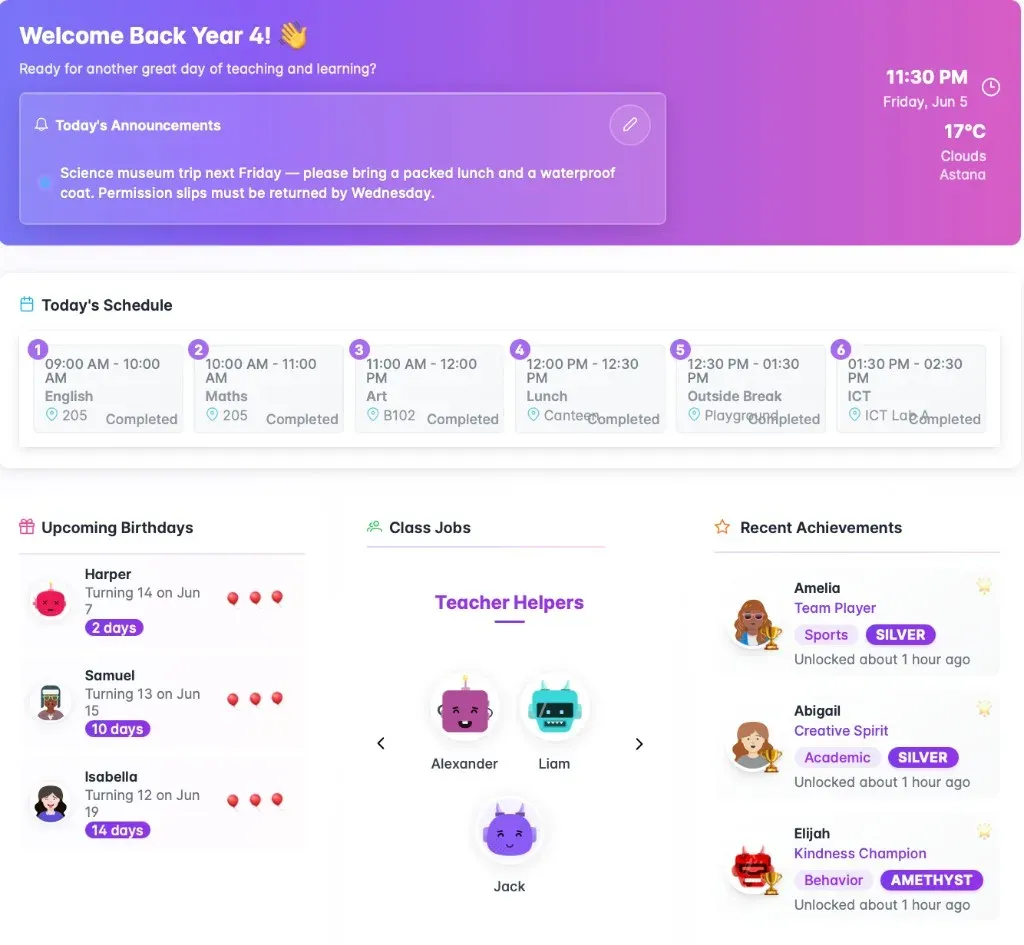
Class dashboard with timetable, birthdays, class jobs and achievements
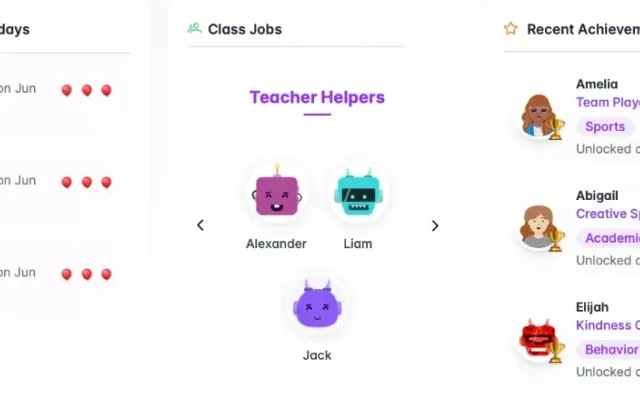
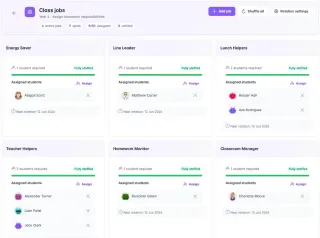
Class jobs board with each student assigned a role
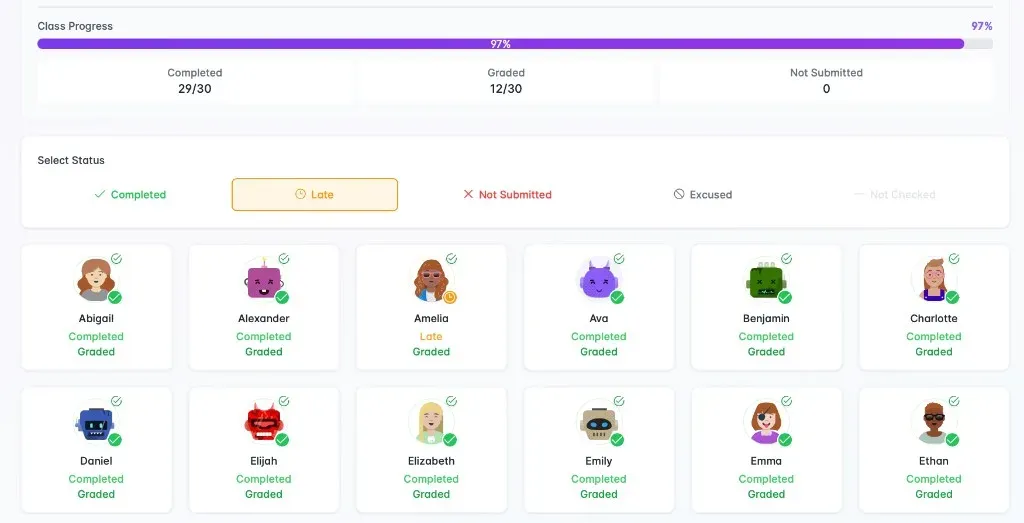
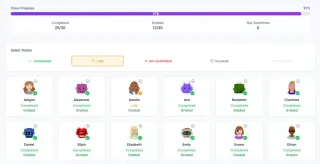
Morning homework check-in with class progress
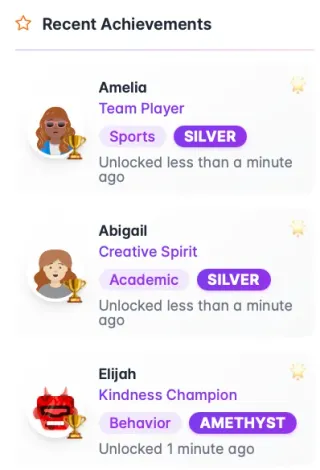
Recent achievement winners on the class dashboard
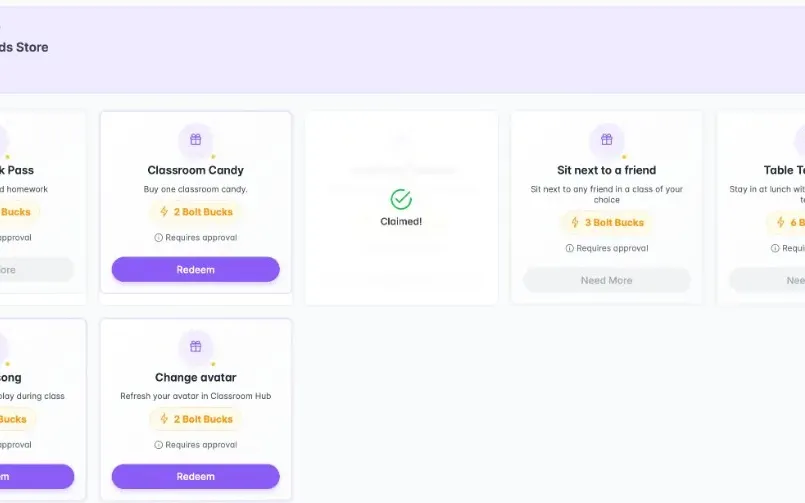
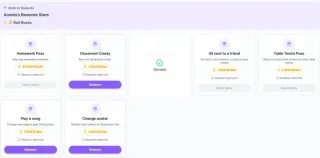
Reward store with rewards students can spend class points on
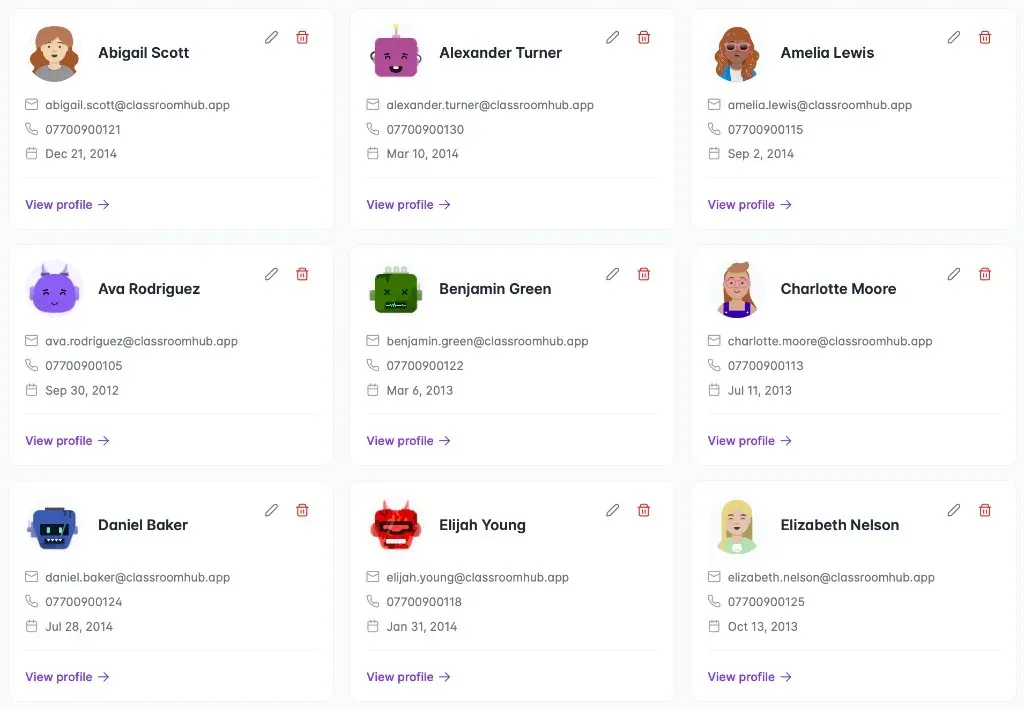
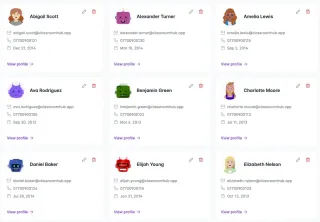
Student roster with the avatars each child picked
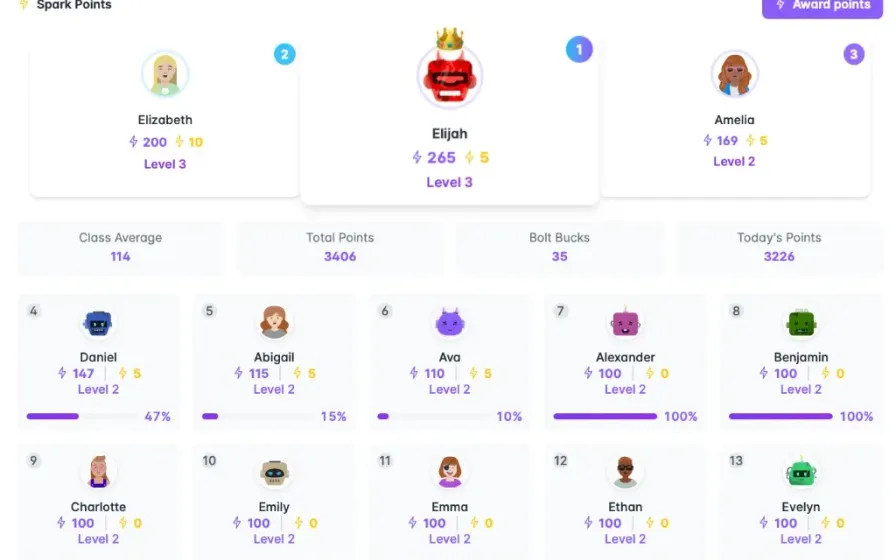
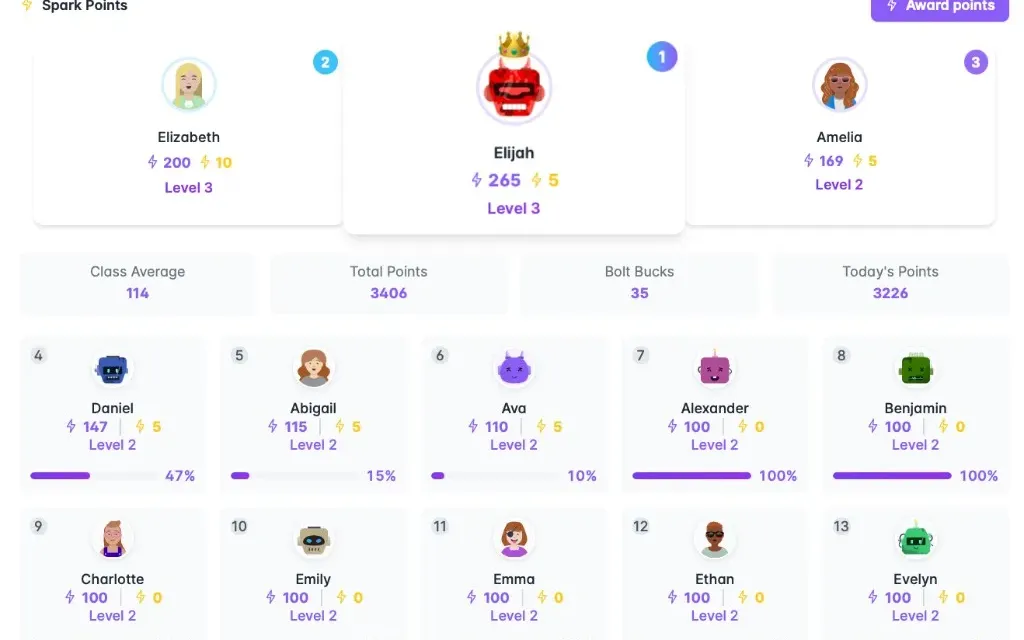
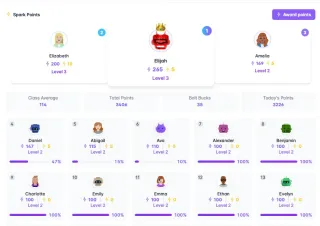
Class points leaderboard with the class podium
  • UK GDPR compliant

    Student data is hosted securely and never sold to third parties.

  • No credit card required

    14 days of full access before you decide anything.

  • Cancel anytime

    No lock-in contract, and a 90-day window to export your data.

  • Ready for every class

    Unlimited classes and students on one simple plan.

A primary day, without the wall charts

  1. 8:40

    They come in and check themselves in

    Homework check-in on the board instead of you ticking a clipboard by the door. You see who is done at a glance.

  2. 8:55

    Registration on the class dashboard

    Today's timetable, birthdays, class jobs and this week's achievements on one screen — the four things that used to be four bits of laminated card.

  3. Through the day

    Points where they are earned

    Award class points from the board. Students see their balance and spend it in the reward store, so the points chart and the prize box are finally the same thing.

  4. Friday

    Star of the Week that survives the weekend

    Set the award up once. Class points are added automatically and recent winners stay on the dashboard instead of being wiped off the whiteboard on Monday.

What you would actually use

The features that matter for your day

Classroom Hub is classroom management software for primary school teachers who have the same class all day. The morning dashboard replaces the birthday chart, jobs board and timetable on the wall; homework check-in replaces the clipboard by the door; and class points feed a reward store instead of a laminated chart you redraw every term.

Classroom and teacher dashboards

Classroom Hub class and teacher dashboards replace birthday charts, jobs boards, timetables, and personal planners with one screen. Teachers see birthdays, class jobs, achievements, class points, and today's schedule before the bell without updating four separate wall systems.

The old way
You walk in and check four separate things — a birthday chart, a jobs board, a printed timetable, and your own planner — before teaching has even started.
With Classroom Hub
Open your class hub and see today's timetable, announcements, birthdays, jobs, recent achievements, and the class points leaderboard. Your personal teaching schedule is right there too — one screen instead of four.
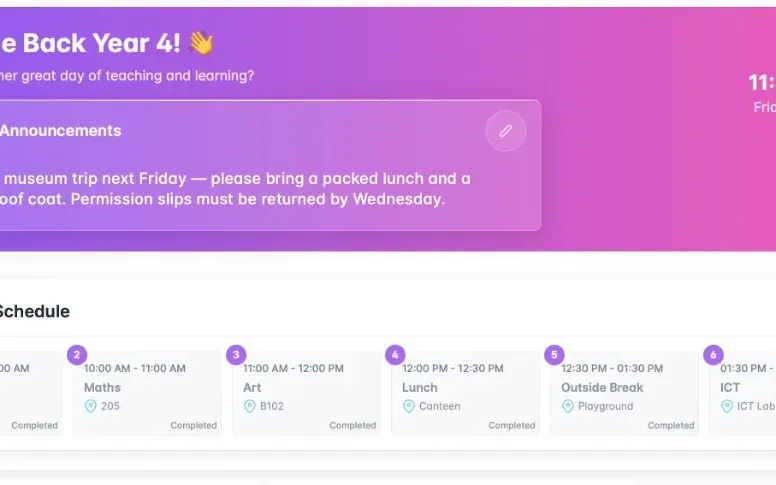
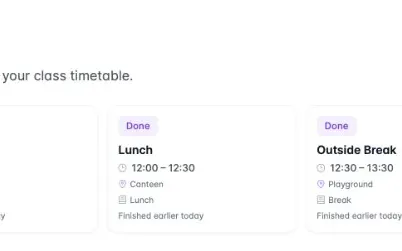
Class home with announcements and today's class timetable
Class points leaderboard with class podium and progress
Dashboard widgets for birthdays, class jobs, and recent achievements
Teacher personal dashboard with today's teaching schedule

Seating charts for every lesson

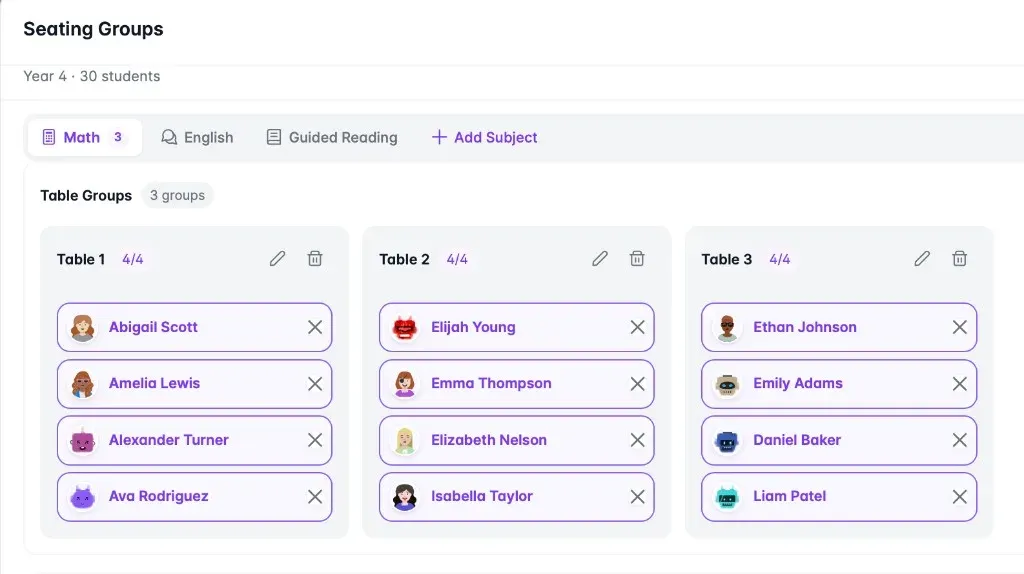
Seating groups save a different table layout per subject — Maths, English, guided reading — and switch between them instantly. Classroom Hub replaces laminated seating plans and sticky-note redraws when groups change between lessons.

The old way
One laminated seating plan has to work for every subject, so when Maths groups don't match guided reading you redraw the layout on sticky notes.
With Classroom Hub
Save a different table layout for each subject — Maths, English, guided reading — and switch between them without rebuilding the plan from scratch.
my.classroomhub.app
Seating groups by subject with table assignments for a Year 4 class

Morning homework check-in

Morning homework check-in lets students mark submissions each day while teachers see class progress at a glance. Handed-in status links directly to the gradebook, replacing clipboard tick lists by the classroom door.

The old way
You tick names on a clipboard by the door each morning. The list never connects to your gradebook, and chasing missing homework is a separate job.
With Classroom Hub
Students mark homework in each morning. You see who's done at a glance, and handed-in work is ready to grade — no separate tick list.
my.classroomhub.app
Class homework check-in showing class progress and student submission status

Points that mean something

Class points and the reward store link recognition to student-chosen rewards. Teachers award points from the board; students spend balances in the store — replacing wall charts, manual tallies, and disconnected prize boxes.

The old way
You tally points on a wall chart, settle disputes about who earned what, and run a prize box that never quite connects to the points.
With Classroom Hub
Award class points from the board when someone earns it. Students see their balance and choose rewards from the store — the points chart and prize box, finally linked.
Class points leaderboard with class podium and progress bars
Student reward store with class point redemption options
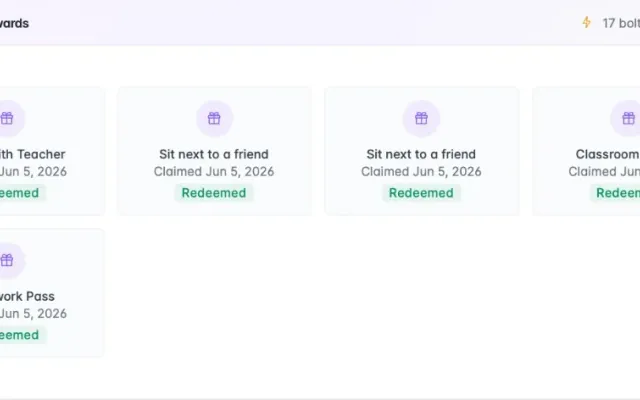
Claimed rewards showing class points spent at the reward store
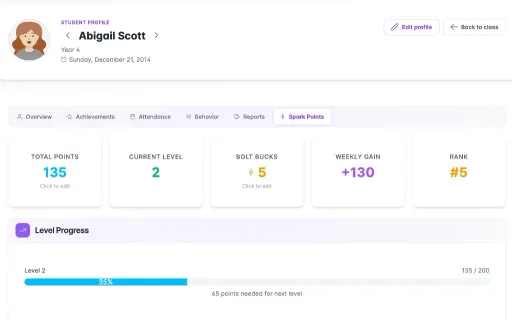
Student class points profile with levels, reward store balance, and rank

Recognition that sticks

Achievements configure Star of the Week, reading hero, and school-wide awards once; class points add automatically when earned. Recent winners stay visible on the dashboard instead of erased whiteboard names each Monday.

The old way
Star of the Week goes on the board on Friday, gets erased by Monday, and you have to remember to add class points yourself.
With Classroom Hub
Set up Star of the Week, reading hero, or school-wide awards once. When a student earns one, class points add automatically and recent winners stay on the dashboard.
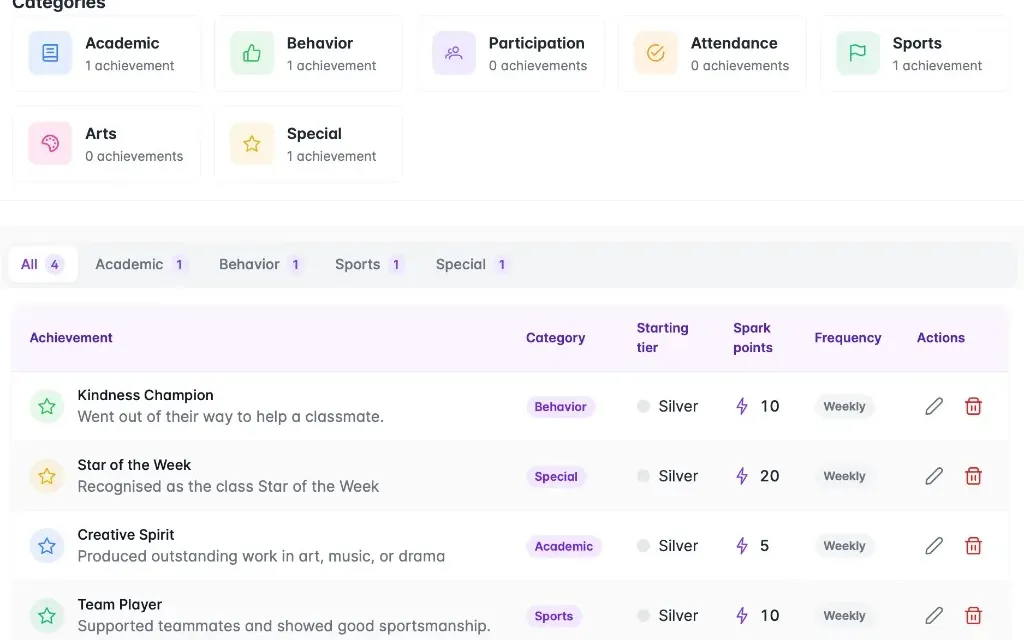
Achievement definitions with categories, tiers, and class point rewards
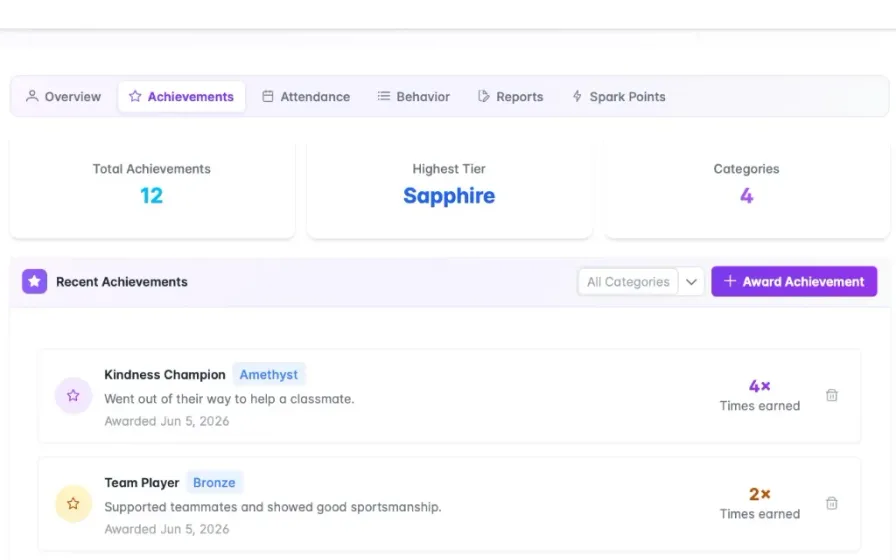
Student profile achievements tab showing tiers and award history
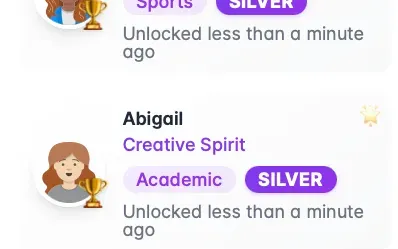
Recent achievements widget on the class dashboard

Avatars your class owns

Custom avatars follow each student across homework check-in, class points, and profiles so teachers recognise learners on every screen. Classroom Hub replaces initials and tiny register photos on classroom displays.

The old way
Your register shows initials or tiny photos nobody recognises on the homework board or points chart.
With Classroom Hub
Every student picks a robot or human avatar that follows them across homework check-in, points, and profiles — so you know who is who at a glance on the board.
my.classroomhub.app
Student roster with custom avatars

Try it with your own class

14 days of full access, no credit card required. Set up one class and see whether it survives a real week.

Start 14-Day Free Trial

No credit card required · Cancel anytime

Common questions

Is Classroom Hub suitable for KS1 as well as KS2?

Yes. Everything students see is visual — avatars, icons and dashboards rather than text-heavy screens — which is what makes it work with younger children and with EAL learners who are still building English. Younger classes typically use the dashboard, homework check-in, points and achievements; the gradebook matters more further up the school.

I have one class all day. Am I paying for things I will not use?

There is only one plan at £49/year, so there is nothing to over-buy. Primary teachers tend to live in the dashboard, homework check-in, jobs and rewards, and use the gradebook lightly. You are not charged more for the features you skip.

Does it work for EAL learners?

That is a large part of why it looks the way it does — it is built by international teachers. Avatars, icons and visual dashboards mean a child who is still learning English can still read the board, and the fairness-weighted name picker takes the argument out of whose turn it is.

Teaching in a secondary school instead?