Routines every child can follow, whatever their first language
Classroom Hub is classroom management software built by international school teachers for classes with a wide spread of English. Routines, rewards and turn-taking are shown visually on the board — avatars, icons and a daily dashboard — so every child, including a new arrival or someone still learning English, can follow the day with confidence.
£49/year · 14-day free trial, no card required
UK GDPR compliant
Student data is hosted securely and never sold to third parties.
No credit card required
14 days of full access before you decide anything.
Cancel anytime
No lock-in contract, and a 90-day window to export your data.
Ready for every class
Unlimited classes and students on one simple plan.
An international school day, built on routines everyone can follow
- Arrival
Checking in, no instructions needed
Each child finds their own avatar on the board and ticks in their homework. A new arrival learns the routine by watching the child in front of them, not by being told.
- Registration
The day in the same place, every day
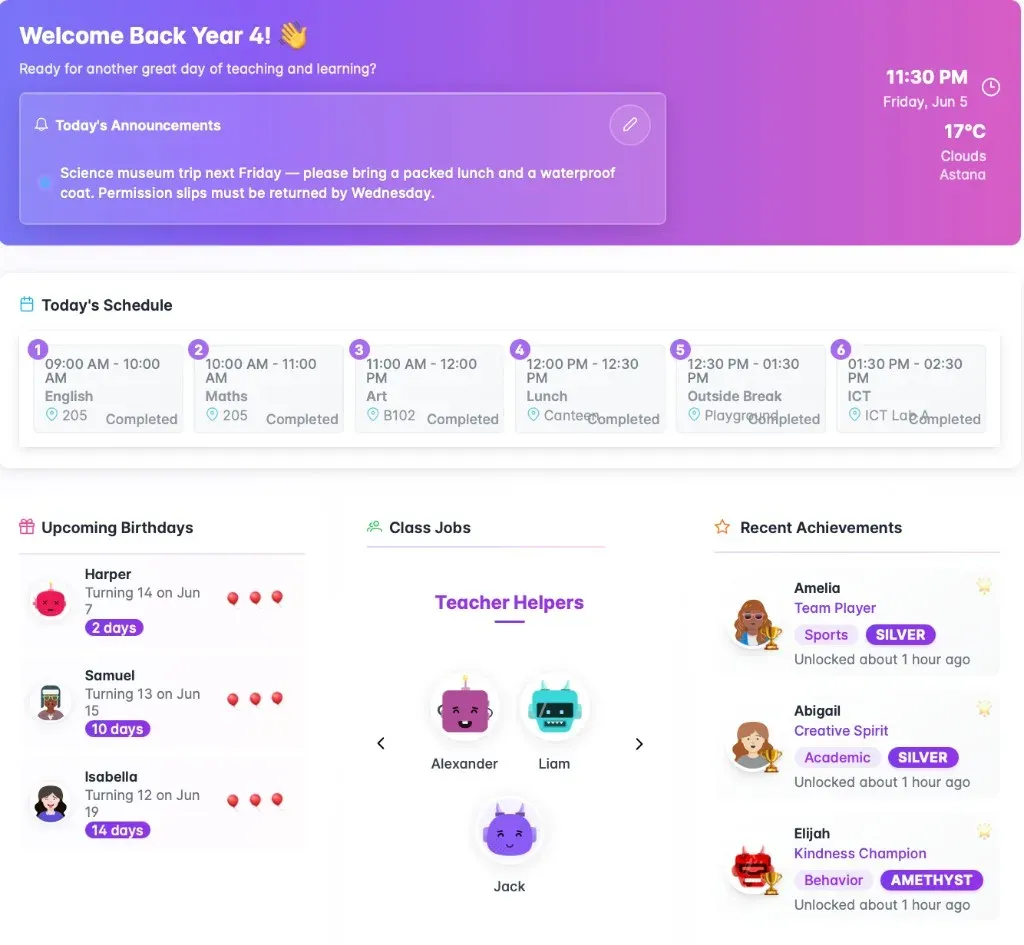
The class dashboard shows today's timetable, class jobs and birthdays in the same layout every morning, so the routine is learnt by position rather than by reading instructions.
- In lessons
A turn for everyone, not the same confident hands
The objective and a visual timer stay on the Classroom Screen, and the fair name picker spreads turns across the whole class instead of returning to whoever answers first.
- Through the week
Recognition that doesn't rely on English
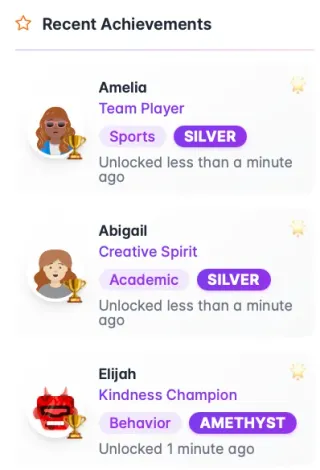
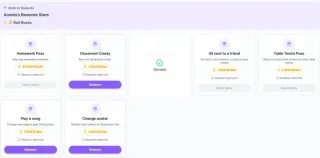
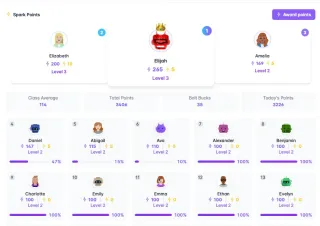
Class points, levels and the reward store run on pictures and numbers, so a child who can't yet follow spoken praise can still see their effort count.
- Mid-year
New arrivals on the same screens from day one
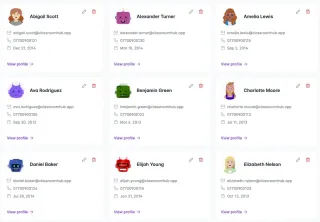
Families relocate all year. A new child picks an avatar and appears alongside everyone else on the dashboard, the points and the seating plan, instead of waiting for the next laminated reprint.
What works in an international classroom
Practical approaches from international school classrooms. They work whether or not you use Classroom Hub.
Make the routine readable without reading
In a class with a wide spread of English, instructions that only exist in speech are lost on the children who need them most. The routines that survive are visual, positional and repeated: the same thing, in the same place, at the same time every day.
Put pictures or icons next to the words on your timetable, keep the board laid out the same way every lesson, and model a new routine before you explain it. A child who has watched it three times does not need the explanation.
Read more: Classroom routines when half the class is still learning English
Plan for the child who arrives in March
International classes change all year. A child can arrive mid-term with little English, no school records and no idea how your room works.
Have a simple welcome ready before you need it: a buddy who shares a language where possible, a class job in the first week so they belong to something straight away, and a seat next to a patient, confident peer. Their first days are about learning the routines, not catching up on content.
Share turns fairly without putting anyone on the spot
Children who are quiet in English are often never picked — or picked and then left exposed. Picking names at random helps, but pure randomness still lets some names come up again and again while others wait weeks.
Give thinking time before anyone answers, put a sentence starter on the board, let pairs agree an answer before one of them shares it, and allow "pass and come back" so being chosen is never a trap.
Read more: Pulling sticks isn't fair — what actually happens when you cold-call randomly
Check that your rewards travel
A behaviour system brought over from a UK or US school assumes norms a mixed class may not share. Being praised in front of everyone can embarrass rather than reward, and a phone call home can carry very different weight from one family to the next.
What works across cultures is consistency and fairness children can see for themselves. Group and whole-class recognition avoids the discomfort of being singled out, and simply asking a child how they would like to be recognised is often the easiest fix.
Help every child feel the room is theirs
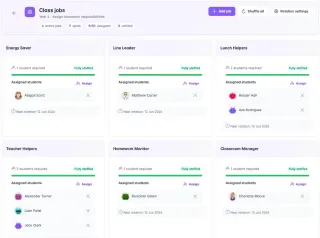
Children who have moved schools and countries can take longer to feel they belong. Small, repeated signs that the room recognises them in particular matter more than the displays: their name said correctly, their work on the wall, a character on the board that is theirs.
Read more: What makes a classroom feel like "theirs" to a student?
Try the board a pretend Year 3 class would see
Every screen works, with a pretend class. Nothing is saved and there is no sign-up.


Try it with your own class
14 days of full access, no credit card required. Set up one class and see whether it survives a real week.
No credit card required · Cancel anytime
Common questions
Does it work with the IB, IPC, Cambridge or an American curriculum?
Yes. Classroom Hub does not depend on a particular curriculum. You set your own lesson objectives, homework goals and gradebook categories, so it sits alongside the IB, IPC, Cambridge, the English National Curriculum or an American curriculum in the same way.
Do students need their own devices or accounts?
No. Students see the Classroom Screen on your board and do not need accounts or their own devices. It runs in any modern browser, so there is nothing to install on school machines.
What happens to my account if I move to another school?
Each teacher subscribes individually, so the account is yours rather than the school's. Data is handled under UK GDPR and never sold, and if you cancel, everything is kept for 90 days so you can export it before it is permanently deleted.
Who builds it?
Classroom Hub is built by international school teachers, which is why the board is designed to be followed by children who are still learning English — and why it expects new students to keep arriving all year.